Instant Capture From Anywhere
Press ⌘M to paste a link, type a note, drop a file, or record voice from anywhere.
Free for macOS
Your second brain is one download away. Capture notes, links, voice, and files in one shortcut, organized automatically.
Release notes
Chat with Mindly AI inside every item view: ask questions, summarize, or explore ideas in the context of that note, link, or file. Smarter context and similar-item recognition are built into each item view too.
Mindly AI Chat
Open any item and chat with Mindly AI in its full context: ask questions, summarize, or dig deeper without leaving the file.
Context & Similar Items
Smarter context and related-item recognition, built into every item view.
New Integrations
Connect Notion, Google Drive, Dropbox, and Readwise to sync content into Mindly.
Auto Voice Transcription
Voice notes are instantly transcribed when recorded from the shortcut.
UI Polish
Refined interface details and smoother interactions throughout Mindly.
Debugging Improvements
Fixes and stability improvements across the app and integrations.
Three steps from download to the first capture.
Download The Installer
Click "Download free" above. The Mindly.dmg file lands in your Downloads folder.
Open The DMG And Drag To Applications
Double-click Mindly.dmg, then drag the Mindly icon into your Applications folder.
Launch Mindly And Set The Capture Shortcut
Open Mindly from Applications or Spotlight. Pick the keyboard shortcut you want for one-keystroke capture.
Six core features that ship in every install, working from the first session.
Press ⌘M to paste a link, type a note, drop a file, or record voice from anywhere.
Tags, summaries, and links apply automatically. No folders to build or clean up.
Your library becomes a living mind map. Follow threads and rediscover what matters.
Record a voice note and get an instant transcript. Searchable the second you stop talking.
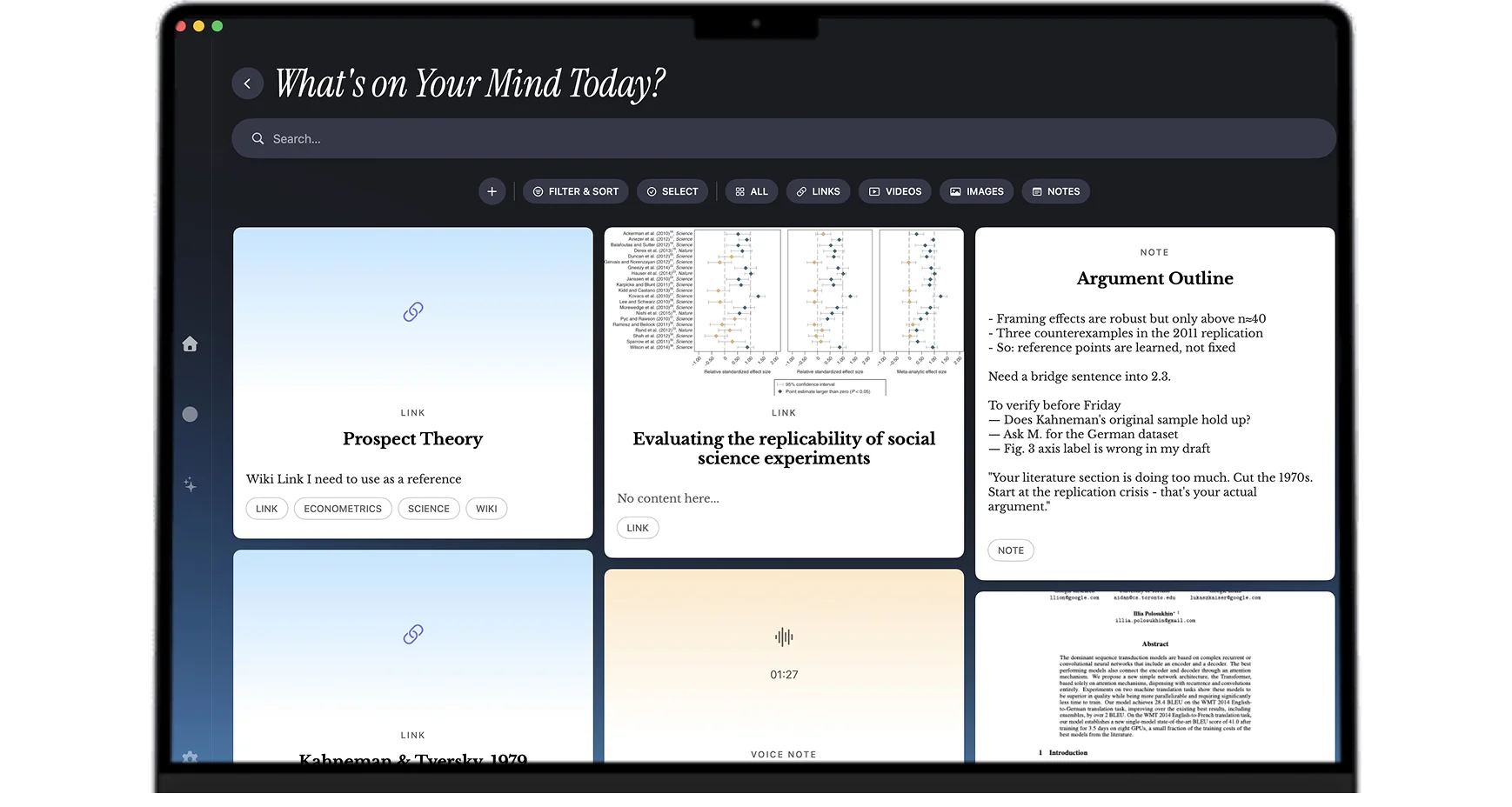
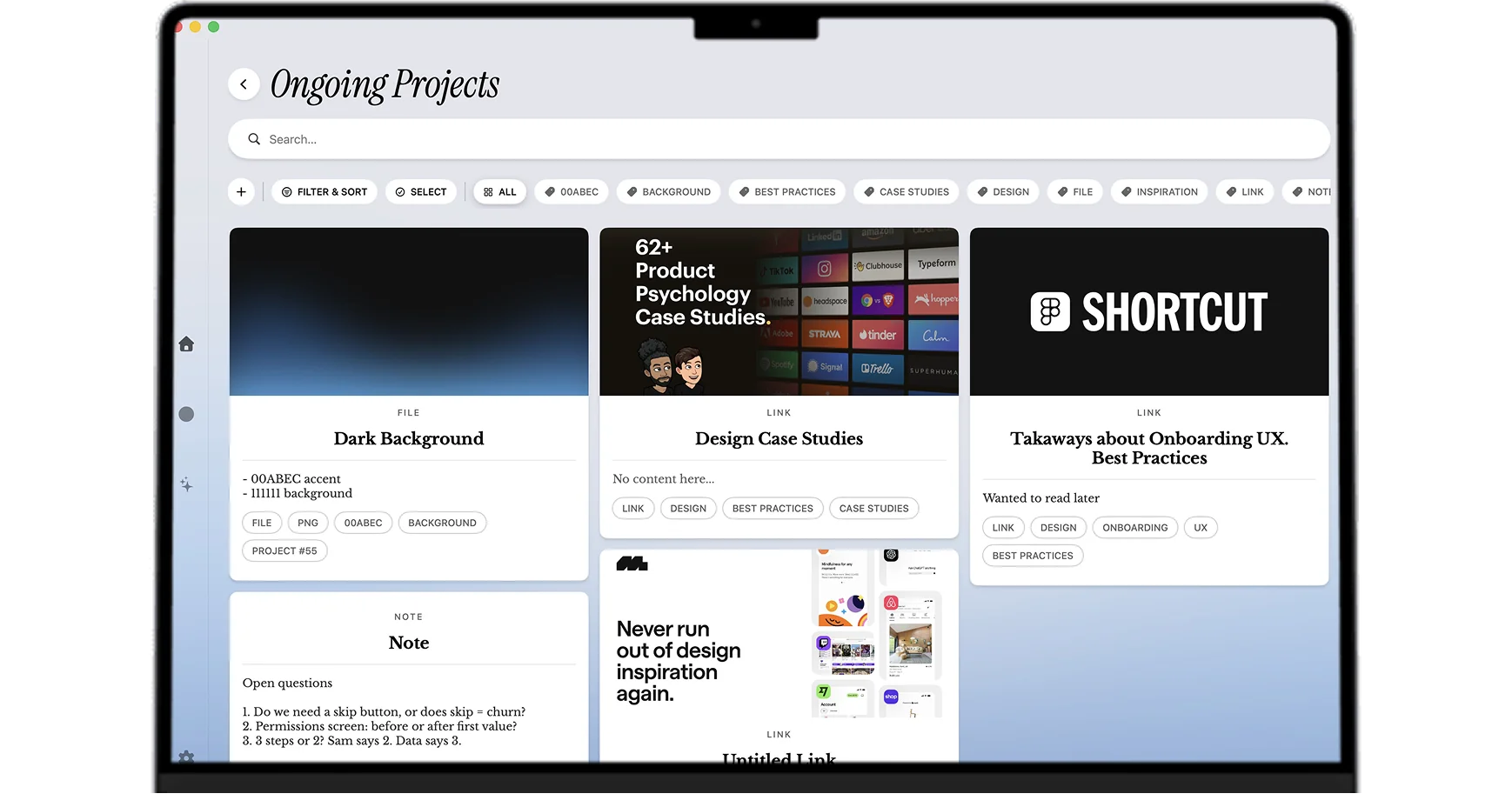
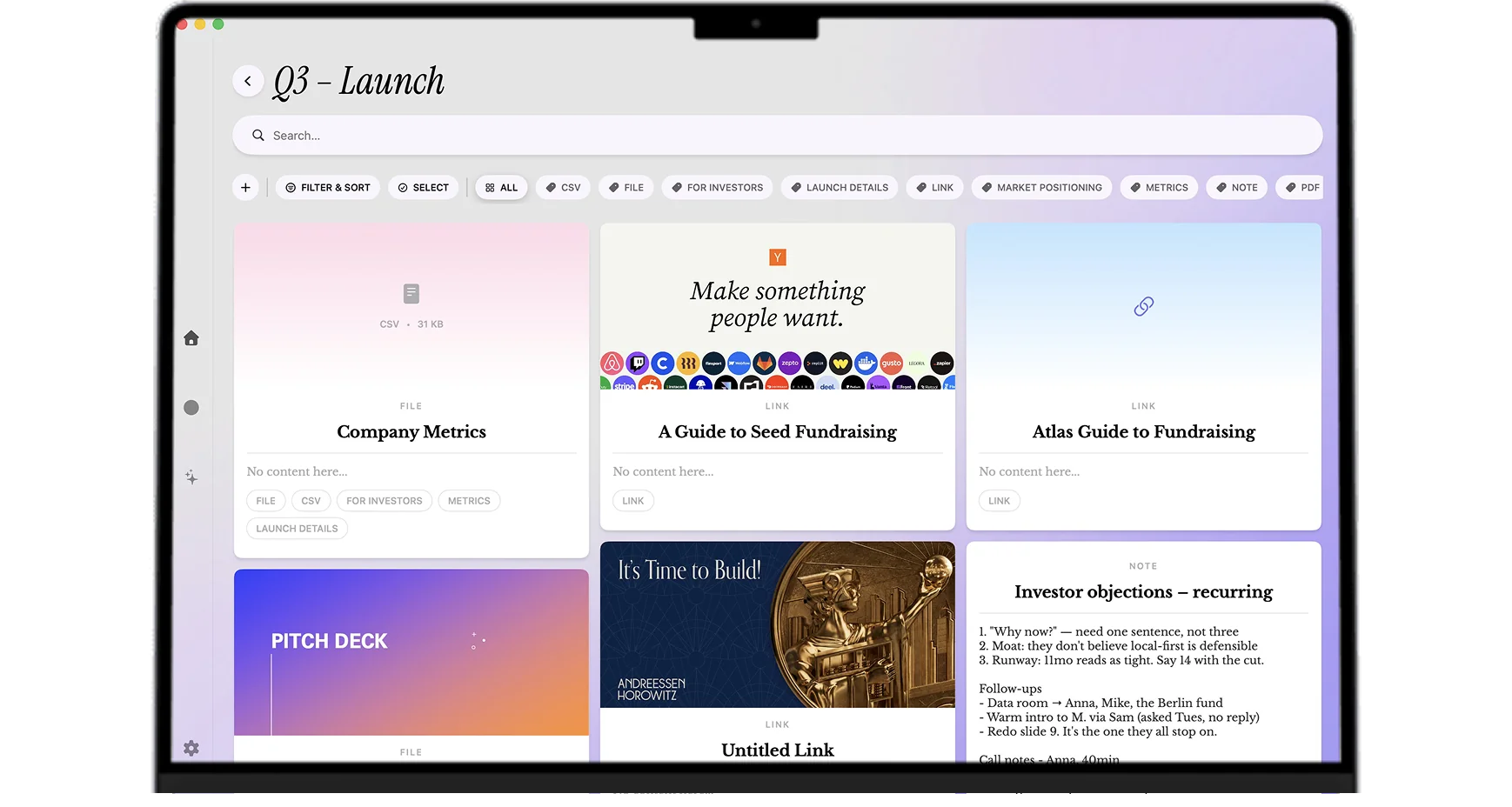
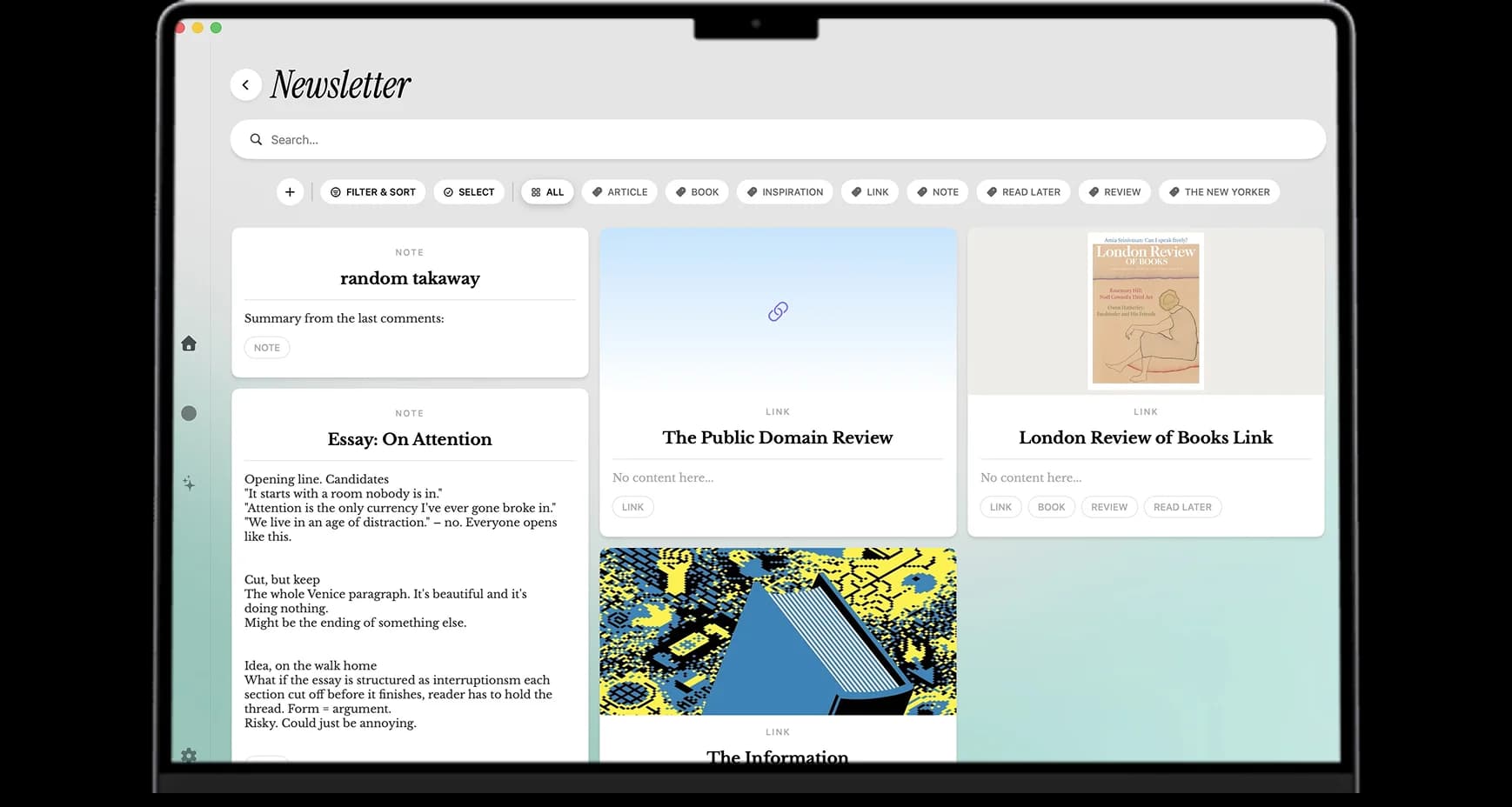
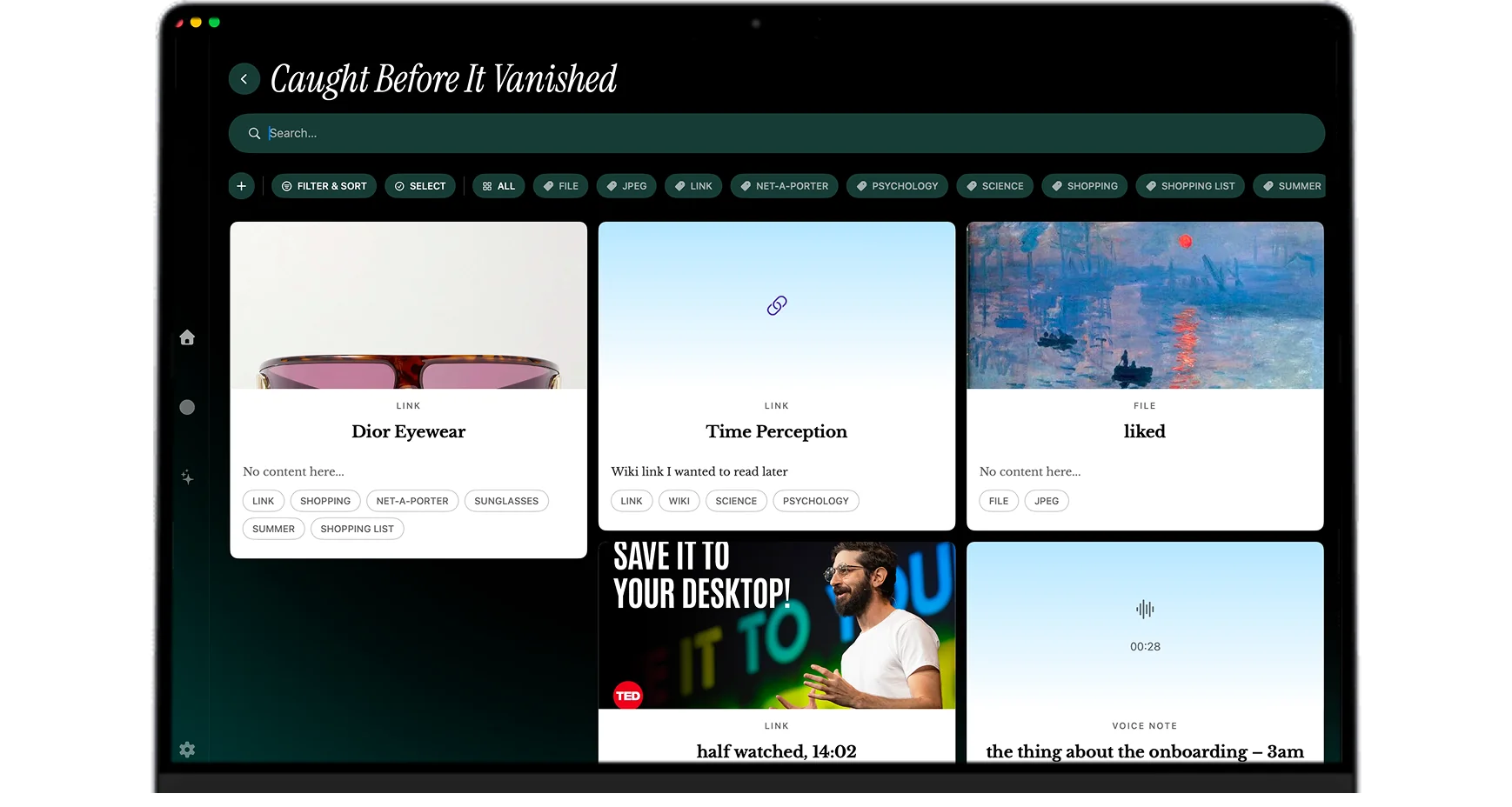
Real Mindly boards. Every card saved with one shortcut, organized automatically.
For students
Lectures, PDFs, papers, and voice notes in one searchable library.
Learn moreFor designers
Moodboards, references, screenshots, and inspiration in one visual home.
Learn moreFor founders
Customer calls, strategy notes, and fundraising threads stay connected.
Learn moreFor creatives
Quotes, references, moodboards, and drafts live together in one place.
Learn moreFor ADHD minds
One shortcut saves the thought. Mindly organizes it so you do not have to.
Learn moreThe basics before you download. More questions? Ask us directly.
Yes. The Free tier gives you the core second-brain workflow: one-shortcut capture, AI organization, notes, links, voice, files, and the mind map. Pro unlocks higher item limits, better AI summaries, and advanced automation. Compare both on the pricing page.
Mindly requires macOS 14.0 (Sonoma) or later. Older macOS versions are not supported, since Mindly relies on system frameworks that were introduced in Sonoma.
No. Mindly is built for Apple Silicon Macs (M1, M2, M3, M4, and newer). If your Mac is Intel-based, the app will not be working correctly.
No. Mindly is a native macOS app and there is no Windows, PC, or web version. The macOS-only focus is deliberate: it is what makes the one-shortcut capture, local library, and system integration work the way they do. If you are on a Mac running macOS 14 or later, the download above is the official and only place to get Mindly.
Not yet. Mindly currently runs on macOS only, and your library lives in a folder on your Mac. If mobile capture matters to you, a common workaround is sending yourself links and notes to capture with one shortcut once you are back at your Mac.
Mindly is macOS only and stores its library locally on each Mac. There is no built-in cross-device sync today. If you want a shared library across Macs, copy the Mindly folder inside iCloud Drive or a similar sync provider.
Mindly checks for new versions on launch and shows an update prompt when one is available, so updates are possible in the app. You can also revisit this page anytime to download the latest installer.
Capture in one shortcut, let AI organize it, and find it the second you need it. Free to start.