Year One Material, Year Three Question
Search a condition and get the mechanism, the image, the paper, and your own clinical note at once.
For Medical Students
Lectures, anatomy diagrams, pathology slides, journal PDFs, and rotation voice memos go in with one shortcut. Mindly tags by system, condition, and mechanism so board review is recall rather than reassembly.
What you get
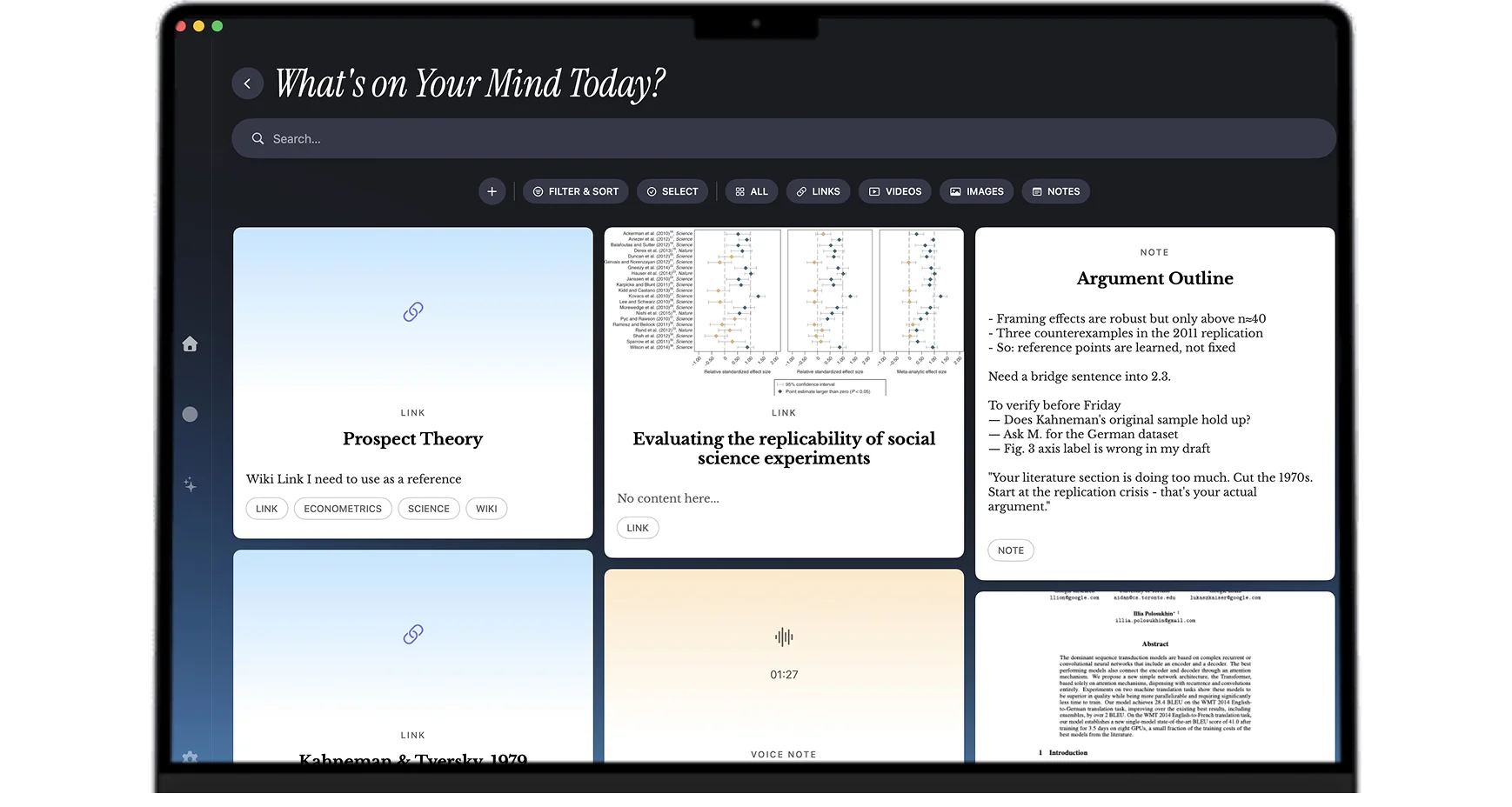
Preclinical lectures, pathology images, papers, and rotation memos stay reachable from a clinical cue years after you saved them.
Search a condition and get the mechanism, the image, the paper, and your own clinical note at once.
A thirty-second memo on the ward gets transcribed, summarized, and tagged without any further step.
Organization follows clinical content rather than the course and semester it arrived in.
The mind map surfaces cross-system links, which is where the integrative board questions live.
Setups that match the training
Record the lecture, screenshot the diagrams as they appear, and let Mindly transcribe, OCR, and tag the whole bundle by system and mechanism. The diagram and the explanation of it end up linked by content rather than separated into an image folder and an audio file.
Photograph specimens, screenshot histology slides, and save the atlas pages you keep returning to. OCR indexes any labels and captions, and semantic tags group images with the conditions and systems they belong to, so a search by structure returns the images alongside the text that explains them.
Save journal PDFs with a short note on why they mattered. AI summarizes the long ones and tags by condition. When a patient on a rotation turns out to be the clinical version of something you read about in a research block, the path from patient back to paper is a single search.
Between patients, or on the walk to the next ward, record thirty seconds on what you saw and what you did not understand. Mindly transcribes, summarizes, and tags by condition. Over a rotation this accumulates into a personal casebook that is searchable by presentation rather than by date.
Review starts with a search by system or condition, and returns preclinical mechanisms, pathology images, relevant papers, and your own clinical notes together. Because the tagging happened on the way in, review does not begin with a month of reorganizing four years of material.
Common questions
For typed notes alone, almost anything works. Medical school is not typed notes alone: it is lecture audio, diagram-heavy slides, histology and pathology images, journal PDFs, and clinical observations that only ever exist as speech. Mindly is built for that mix and for the retrieval window medicine actually needs, which is years rather than a semester. Because tagging happens by system, condition, and mechanism on the way in, preclinical material stays reachable from a clinical cue three years later.
It does not replace spaced repetition and does not try to. Anki is for drilling discrete facts to retention. Mindly is the library the facts came from: the lecture that explained the mechanism, the image, the paper, and your own clinical note. Most people who use both keep drilling in Anki and use Mindly to answer the question of where something came from and what else connects to it.
Yes, as searchable items rather than opaque attachments. OCR indexes labels and captions, and semantic tagging groups images with the systems and conditions they relate to. A search by structure or condition returns the images alongside the lecture material and papers that explain them.
Typing is not realistic; a thirty-second voice memo is. That is the capture mode built for this. Record on the walk between patients, and Mindly transcribes, summarizes, and tags it by condition without any further action from you. The bar is deliberately low because anything higher does not survive contact with a ward.
Mindly is macOS only. If an iPad with an Apple Pencil is your primary study device, Mindly is not the right main capture tool, though it works well as the Mac-side library your exports, recordings, and photographed pages land in. If your main machine is a MacBook, it fits how you already work.
Lectures, images, papers, and rotation memos in one shortcut. Mindly tags by system and condition for you. Free to start on macOS.