Find The Derivation From Week Four
OCR indexes photographed pages, so handwritten working is findable by the method it uses.
For Engineering Students
Problem sets, worked derivations, lab reports, datasheets, and lecture recordings go in with one shortcut. Mindly tags by topic and method, so the worked example you need in finals week takes one search rather than an evening.
What you get
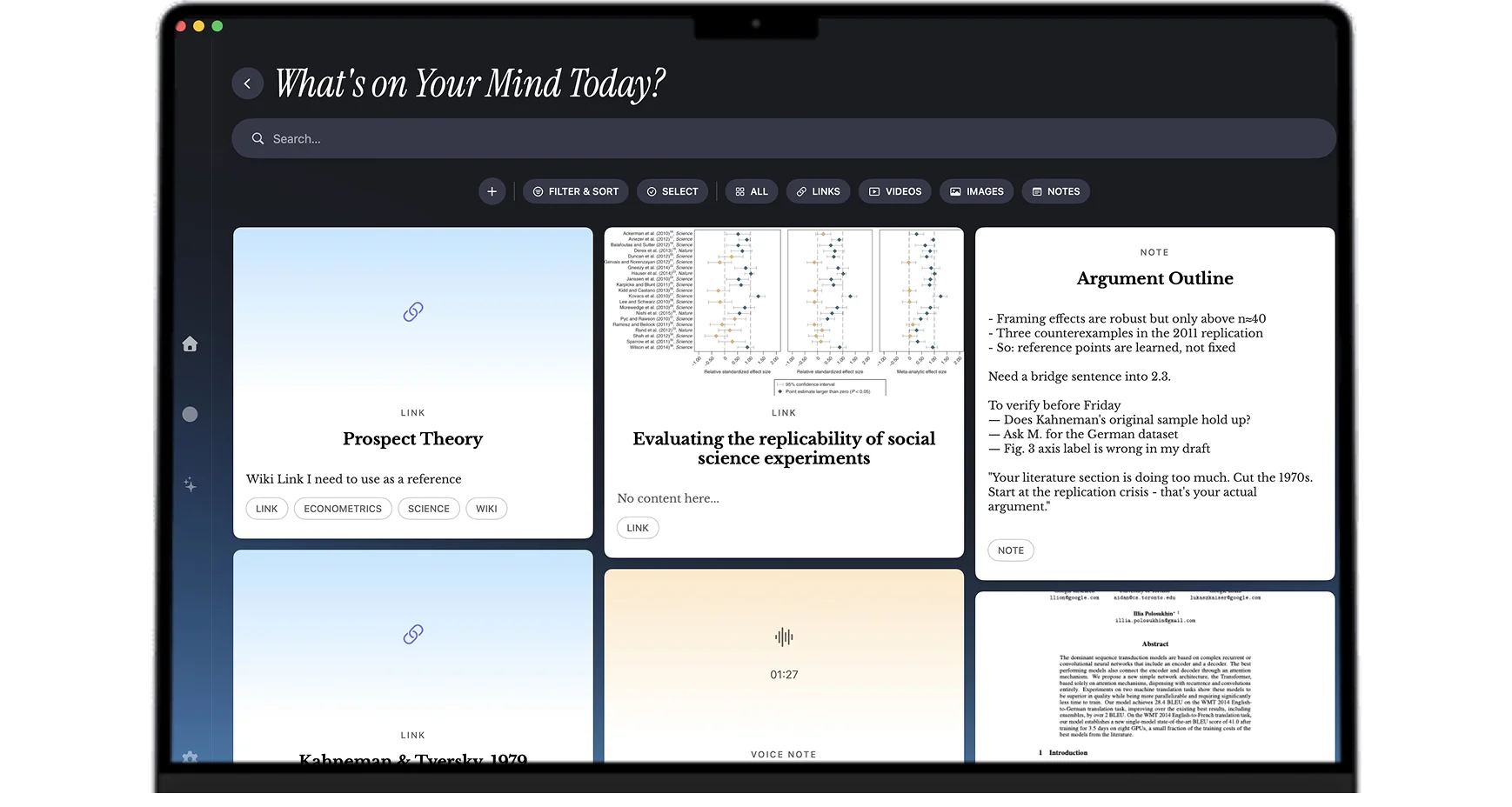
Photographed derivations, problem sets, lab reports, and datasheets all land in one searchable library tagged by topic and method.
OCR indexes photographed pages, so handwritten working is findable by the method it uses.
A technique taught in one course and reused in another ends up connected rather than filed twice.
Full text is extracted from reference PDFs, so a parameter is a plain-language search away.
The mind map shows the cross-module repeats, which is where the hardest exam questions tend to sit.
Setups that match the coursework
Work the derivation on paper, photograph the page, and save it. OCR indexes the text and AI tags it by topic and method. The page that would otherwise be lost in notebook four, somewhere around October, becomes searchable by the technique it demonstrates.
Save the problem set, your working, and the released solutions under the same topic tags. Revising a method later returns all three at once, so you can see the question, what you did, and what the correct approach was without opening three folders.
Keep the lab brief, your measurements, the datasheets for the components, and your written report in one library tagged by experiment and topic. When a later module references the same principle, the practical evidence is still attached to it.
Datasheets are long, dense, and used in fragments. Full-text extraction makes a specific parameter findable in plain language across every datasheet you have saved, rather than requiring you to remember which component document it was in.
Search a technique and the library returns the lecture derivation, the photographed worked example, the problem set application, and the lab where it appeared. Hard exam questions usually combine a method from one module with a context from another, and this is the view that makes those combinations visible.
Common questions
The deciding factor is whether the app can search the handwritten half of your coursework. Engineering is worked on paper, and most note apps treat a photograph of a derivation as an image with no content. Mindly runs OCR on photographed pages, so a derivation from week four is findable by the method it uses, and tags it alongside the problem sets, lab reports, datasheets, and lecture recordings that relate to the same topic. For a course where the material you need most is the material that is hardest to file, that is the difference that matters.
Honestly, partially. OCR on photographed pages extracts text well and handles notation unevenly, which is true of OCR generally. In practice this works because you rarely search for an equation by its symbols; you search for the topic, the method, or the words around it, and those index reliably. The photograph itself is always there to read once the search has found it.
Yes. Full text is extracted and indexed at the page level, so a parameter or part characteristic is findable in plain language across every datasheet in your library without you remembering which document it came from.
Both are capable and both expect you to build the system first. Notion wants databases and properties; Obsidian wants a linking discipline and plugins. In a term with four problem sets and two lab reports, that setup work tends not to get finished. Mindly does the organizing itself: tags, summaries, and connections apply on save. The trade-off is less customization in return for the library working from the first item you put in it.
No. Mindly is macOS only. A lot of engineering programs standardize on Windows or Linux machines for coursework, so if that is your primary environment this is not the right tool for you.
Problem sets, labs, datasheets, and photographed working in one shortcut. Mindly tags by topic and method for you. Free to start on macOS.