Save Anything In One Keystroke
Notes, links, files, and voice memos go in through the same shortcut, from any app.
For Knowledge Workers
Meetings you half-remember, links you meant to read, project context that lives in Slack, ideas that arrive between Zooms, decisions made on calls that you cannot recall by Friday. Mindly keeps it all in one library and lets AI handle the sorting.
What you get
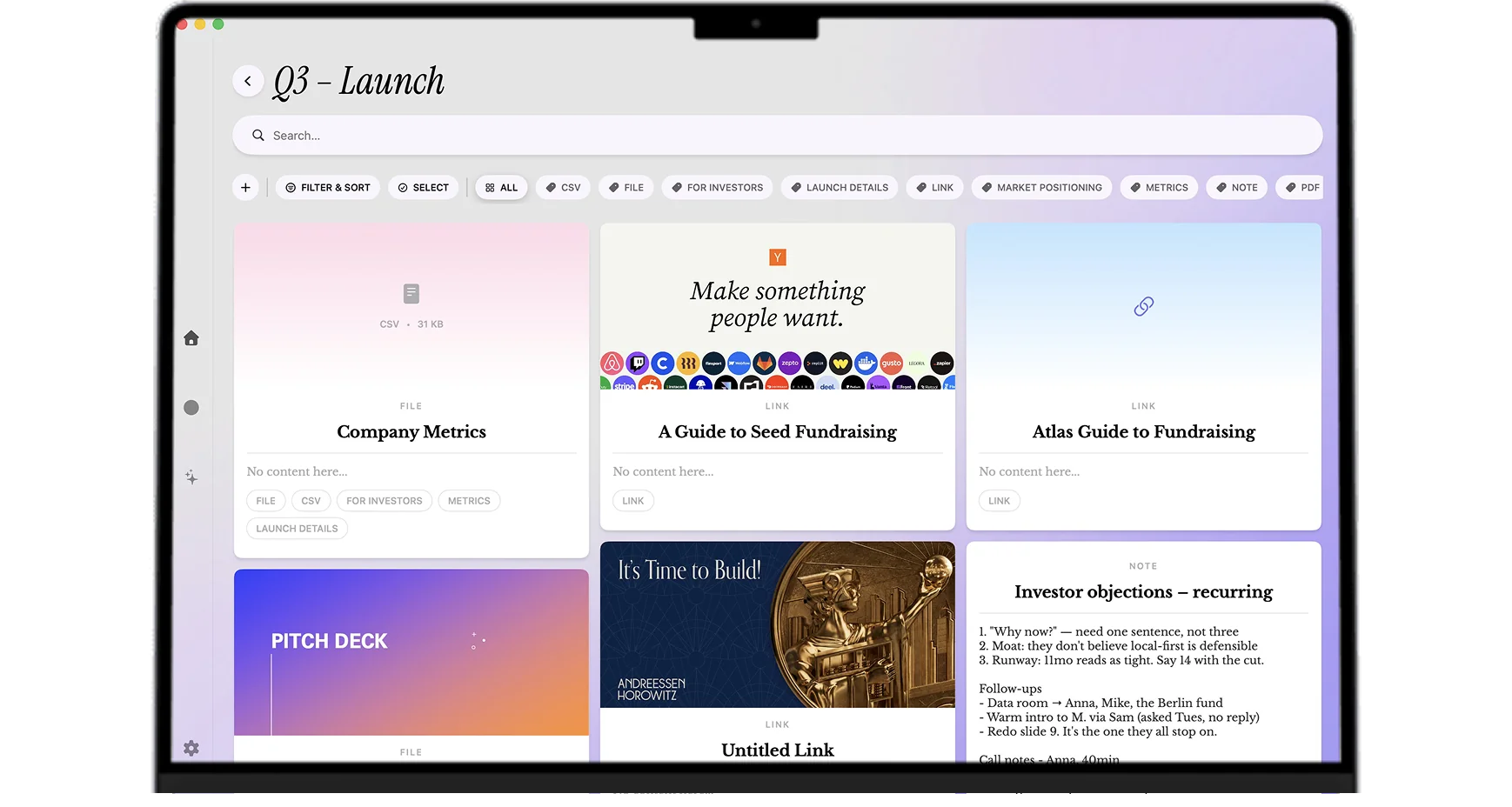
Articles, files, meeting notes, and ideas stop scattering across apps and start compounding in one system.
Notes, links, files, and voice memos go in through the same shortcut, from any app.
AI tags and summarizes every capture, so nothing needs sorting later.
One search covers every note, file, and link you ever saved.
Chat with your saved material to pull answers out of months of accumulated notes.
Knowledge work setups
Capture everything during the week without judging: links, screenshots, voice memos, meeting snippets, ideas. Friday afternoon, triage into projects with help from AI tags. The fifteen-minute weekly review replaces the half-hour weekly panic of "what was I supposed to do this week".
Open the mind map weekly. Look for clusters and unexpected adjacencies between projects you treated as separate. The patterns that emerge tend to predict the next assignment, the next reorganization, or the next strategic question your team will face. Pattern recognition becomes a habit rather than a one-time exercise.
Save links and PDFs as they fly past during the week. AI summaries help triage what is worth your real attention on Saturday morning. The articles that matter get read; the rest are still indexed and surface when the topic becomes relevant later. No guilt-tripping unread counter.
Record a voice memo immediately after a meeting with decisions made, next actions, and the implicit context you noticed in the room. Transcript and AI summary arrive within seconds. The post-meeting writeup happens nearly automatically and the action items get reminder times.
One note per project in motion with status, scope, decisions made, decisions deferred, links to source material, and links to the meeting digests where context happened. The project brief is the working memory for the project; the rest of the library backs it up with evidence.
Reading on management, leadership, your specific craft, books that influenced your thinking. Voice memos from podcasts on your commute. Notes from coaching sessions. Same library as your project work because, in practice, personal development and project work feed each other and benefit from being adjacent.
Common questions
For knowledge workers running multiple projects, attending many meetings, and wanting one personal library that holds the information layer of their work, Mindly is the closest fit on Mac in 2026. The advantages over Notion (too team-shaped), Obsidian (too configuration-heavy), and Apple Notes (too thin on AI) are automatic tagging, cross-project pattern recognition through the mind map, voice memo transcription between meetings, and a Mac-native experience that does not lag at scale.
Building a Second Brain and PARA are organizing methodologies. They prescribe how to file information across Projects, Areas, Resources, and Archives. Mindly does the equivalent work automatically. The PARA structure emerges from AI tagging and search rather than from manual filing. Most people who have tried to maintain a PARA system in Notion or Obsidian for more than three months know that the manual filing discipline does not survive a busy work quarter. Mindly removes that discipline requirement entirely while delivering the same organizational outcome.
Yes. Mindly is the personal layer that holds your individual evidence and thinking. Notion holds team docs and shared workspaces. Slack is communication. Linear or Jira tracks engineering execution. Mindly does not replace any of those; it sits alongside them as the personal second brain that feeds into the work you eventually do in team tools. Most knowledge workers who adopt Mindly keep their entire existing team stack and add Mindly as the personal layer.
Your library lives on your Mac in a Mindly directory. AI processing happens over encrypted channels and content is not retained on Mindly servers after the request. For most knowledge worker confidentiality requirements (NDA-bound client material, internal strategy, draft documents, sensitive HR or customer data) the on-device library plus no-retention AI is the right combination. For specific regulatory frameworks (HIPAA, certain enterprise customer agreements, country-specific data handling rules), check the privacy policy and your employer's policies before processing covered data through cloud AI.
When you save items from different projects, Mindly applies semantic tags by topic, project, and theme. Because tags are semantic rather than literal keyword matches, the system clusters together related items even when they come from different projects with different vocabulary. The customer pain that shows up in three feature teams clusters in the mind map. The query "everything we have discussed about latency in the last six months" surfaces meetings, voice memos, support tickets, and engineering threads across multiple projects in one result.
Install Mindly free for Mac. Capture this week through it: meetings, links, voice memos, one-line strategy thoughts. By Friday the structure will already be there for you. Most knowledge workers who switch describe the first week as the moment they realized how much context they had been losing.