Search A Doctrine, Get Everything
Cases, your briefs, casebook passages, and the lecture explanation come back in one result.
For Law Students
Case briefs, casebook PDFs, statutes, and lecture recordings land in one library with one shortcut. Mindly tags by doctrine and case, so building an outline is assembly rather than archaeology.
What you get
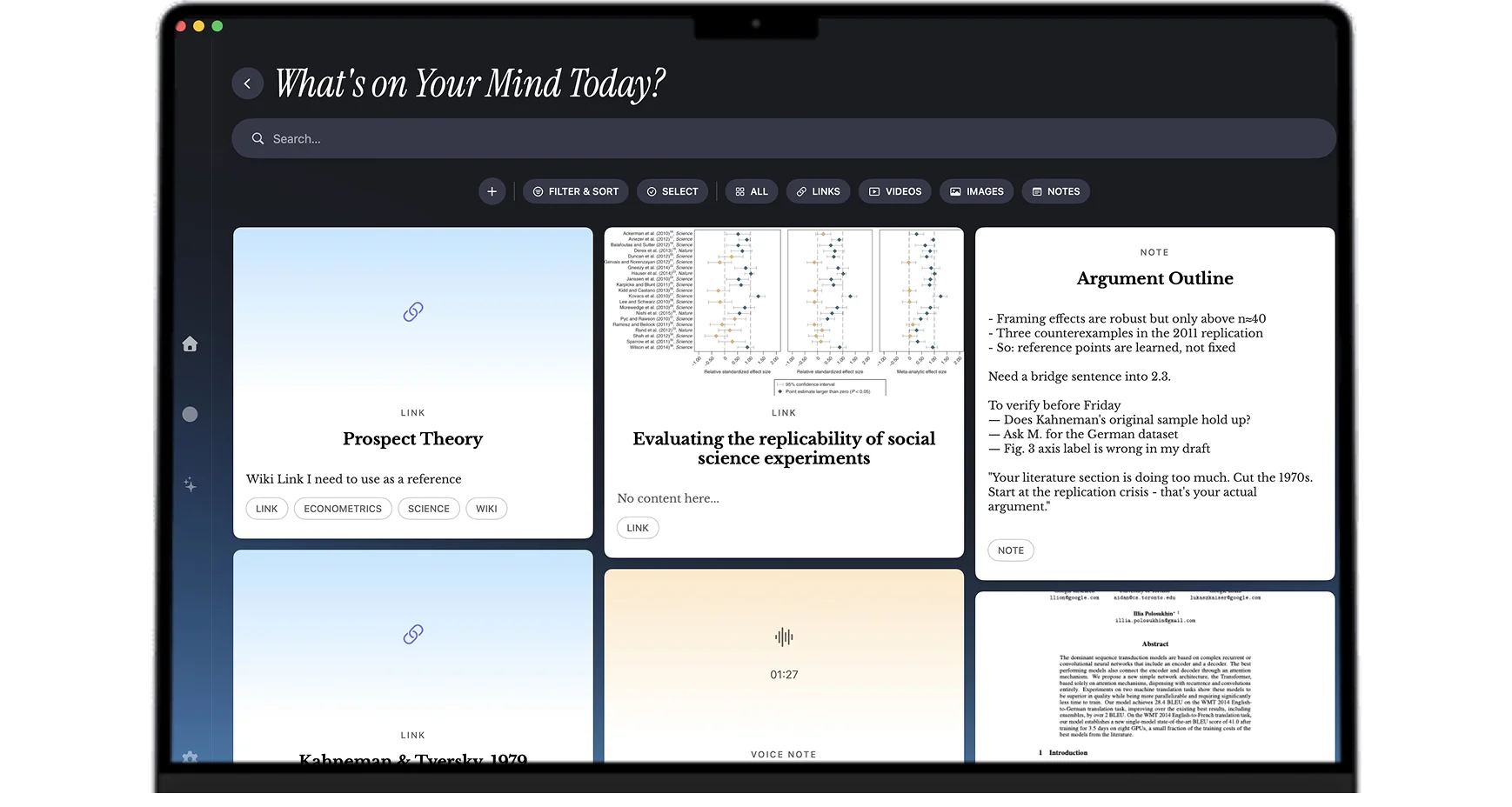
Briefs, casebook PDFs, statutes, and lecture recordings stay connected by doctrine, so the outline is assembly rather than archaeology.
Cases, your briefs, casebook passages, and the lecture explanation come back in one result.
A doctrine that spans three courses assembles itself instead of being filed three separate times.
Lecture recordings get transcribed, so the offhand comment that shapes a good exam answer is searchable.
Open a brief or a casebook PDF and pull the elements of a doctrine from the material you actually read.
Setups that match the semester
Write the brief as a note and save the casebook PDF pages alongside it. Both get tagged by case and doctrine, so the brief and the source stay linked. Three months later, checking whether your brief actually captured the holding is one click rather than a hunt for which PDF the case was in.
Record the lecture and type alongside it. Mindly transcribes the audio and tags it by topic. The thing that distinguishes a strong exam answer is usually a framing the professor used once, in passing, in response to a question. On a transcript that framing is searchable. On an hour of unindexed audio it is effectively lost.
Screenshot or save the rule sections you keep returning to. Full-text extraction makes the language searchable, so checking the exact wording of a rule during a memo is a search rather than a trip back to the supplement.
Search by doctrine and the library returns the cases, your briefs, the casebook passages, the lecture explanation, and your own notes together. The outline becomes a matter of deciding what to keep and how to order it, which is the part that teaches you the material, rather than a week of locating things.
Legal writing assignments, journal source material, and clinic case notes live in the same library as coursework, tagged by project. Research you did for a memo in the fall is still findable when a similar question appears in a clinic matter in the spring.
Common questions
It depends on whether your workflow is one format or several. If you type briefs and nothing else, a plain document app is fine. Most law students accumulate more than that: casebook PDFs, statutes, lecture recordings, photographed annotated pages, and the class discussion that never makes it into a file. Mindly is built for that mix, and specifically for the moment it matters, which is outlining season. Because every save was tagged by doctrine and case as it arrived, a search by doctrine returns the cases, briefs, casebook passages, and lecture explanation together instead of making you reassemble them from four places.
A document per course works until the material you need crosses courses or formats, which in law school it does constantly. A Word file cannot hold a lecture recording, cannot search a casebook PDF, and cannot show you that a doctrine from contracts also appeared in two torts cases. Mindly keeps every format in one library and tags by content rather than by file, so the cross-references that make a good outline surface on their own.
Yes. Full text is extracted and indexed at the page level, including OCR for scanned or photographed pages, so a plain-language search returns the relevant page rather than just the file. This is the main practical gain over keeping readings in a folder: the casebook stops being an opaque four-hundred-page object and becomes searchable material.
Your library lives in a Mindly directory on your Mac rather than on a vendor server, and it opens and searches offline. AI features (tagging, summarizing, transcription) run over cloud model APIs, which means content is sent for processing when those features run. Mindly's privacy policy sets out exactly what that involves. For anyone handling clinic material or anything confidential, it is worth reading before you save that category of work.
No. Mindly is macOS only. If your primary machine is a Windows laptop, this is not the right tool for you right now.
Briefs, casebooks, statutes, and lectures in one shortcut. Mindly tags by doctrine and connects them for you. Free to start on macOS.