Search The Symptom, Not The Filename
Describe what went wrong the way you would to a colleague and get back your own previous fix.
For Developers
Snippets, error messages, architecture decisions, and the answer that actually fixed it go in with one shortcut. Mindly tags by language, stack, and problem, so you stop re-solving the same thing every six months.
What you get
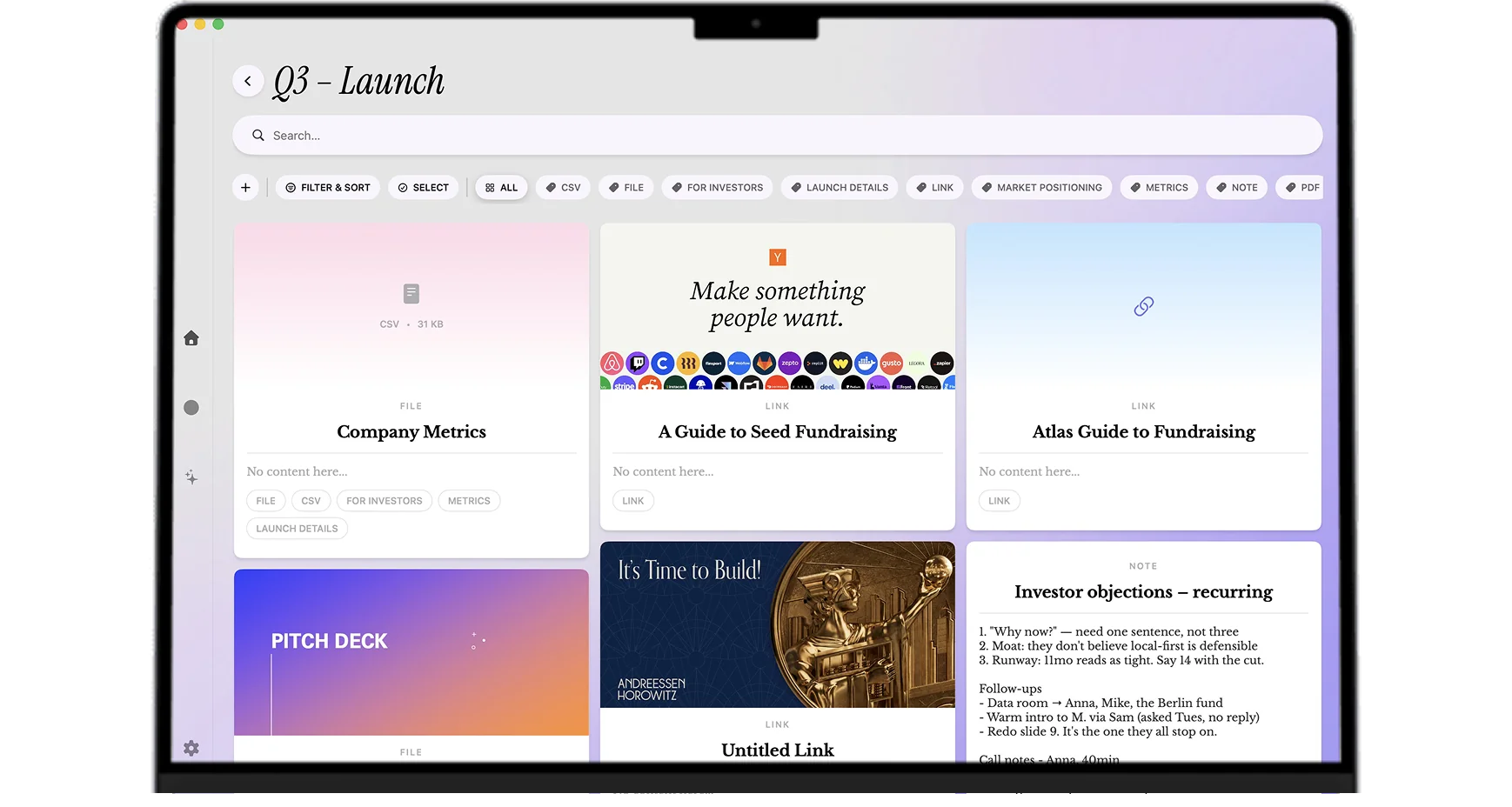
Snippets, error messages, decisions, and the answer that actually worked, captured in one keystroke and retrievable by symptom.
Describe what went wrong the way you would to a colleague and get back your own previous fix.
The taxonomy you would never maintain by hand gets applied automatically on every save.
Code stays attached to the problem it solved, the version it worked against, and the caveat you found later.
The mind map surfaces when two problems in different projects turn out to be the same problem.
Setups that fit the work
The moment something obscure finally works, capture the error text, the fix, and one line on why it worked. Thirty seconds, no filing. The next time that error appears, in a different project and a different year, searching the symptom returns your own previous solution with the reasoning attached.
A snippet without context is a liability. Save the code together with the problem it solved, the version it worked against, and the caveat you discovered later. AI tags by language and problem domain, so retrieval is by what the code does rather than by a filename you invented in a hurry.
Capture the decision, the alternatives considered, the benchmark that settled it, and the discussion thread. Six months on, when someone asks why the system does it this way, the answer exists with its evidence instead of living in one person's memory of a meeting.
Papers, RFCs, long blog posts, and conference talks get saved with AI summaries so you can scan the gist before committing to a deep read. Tagged by topic, they surface later when you are working on something adjacent, which is when they are actually useful rather than when you first found them.
For a bug that spans days, keep every dead end, every hypothesis, and every log excerpt in one tagged thread. The record of what you already ruled out is the thing that stops you repeating an experiment on day three, and it is also the write-up when you eventually explain the fix to the team.
Common questions
Both work well if you maintain them, and that is the catch. Obsidian rewards a linking discipline and a plugin setup; a Markdown folder rewards consistent naming and filing. Both put the organizing work at the moment of capture, which is the moment you have the least patience for it, so in practice a lot of knowledge never gets written down. Mindly moves the organizing work to the AI: paste and move on, and tagging, summarizing, and connecting happen afterwards. The trade-off is less control over structure in exchange for capture that actually happens on a busy day.
Yes. Code and error text stay as readable, searchable text rather than being flattened into images, and they are indexed so a search on part of an error message finds them. Screenshots of a terminal or an IDE also go through OCR, so even the ones you grabbed as images are findable by their content.
Your library is stored on your Mac rather than on a vendor server, and it opens and searches offline, which is a meaningfully better default than a cloud-first notes product. The thing to be clear about is that AI features run over cloud model APIs, so content is sent for processing when tagging, summarizing, or transcription runs. For anything genuinely sensitive, read Mindly's privacy policy and check it against your employer's policy before you save that category of material.
Not as a plugin. Capture is a global macOS shortcut that works from any application, including your editor and terminal, so the flow is select and capture rather than an in-editor command. For a lot of developers that is actually the point: one capture path that works identically whether the thing you are saving is in a terminal, a browser, a PDF, or a Slack thread.
No. Mindly is macOS only. For developers working primarily on Linux or Windows, this is not the right tool.
Snippets, errors, decisions, and docs in one shortcut. Mindly tags and connects them for you. Free to start on macOS.
